Secure customer verification case archives
Choose where editing happens, which copy becomes the controlled record and when that record is locked. An onboarding analyst needs to review a customer identity packet and escalate one mismatched field to a supervisor without distributing the complete document set. Design the workflow so that raw, edited and retained versions are not mistaken for one another.
Separate active work from archive
Create distinct intake, working, reviewed and retained states for proof-of-address documents, ID images, verification notes, exception approvals and case reference IDs. Avoid editing the only recoverable original inside a time-sensitive handoff. Lock the maintained archive when it is no longer actively being edited.
Choose a protection mechanism
For controlled local storage, Folder Lock documents encrypted lockers. That is different from its non-encrypting folder-hiding feature. Record which one was selected and why. Test a harmless sample on the actual supported Windows version before moving the real customer identity verification bundles records.
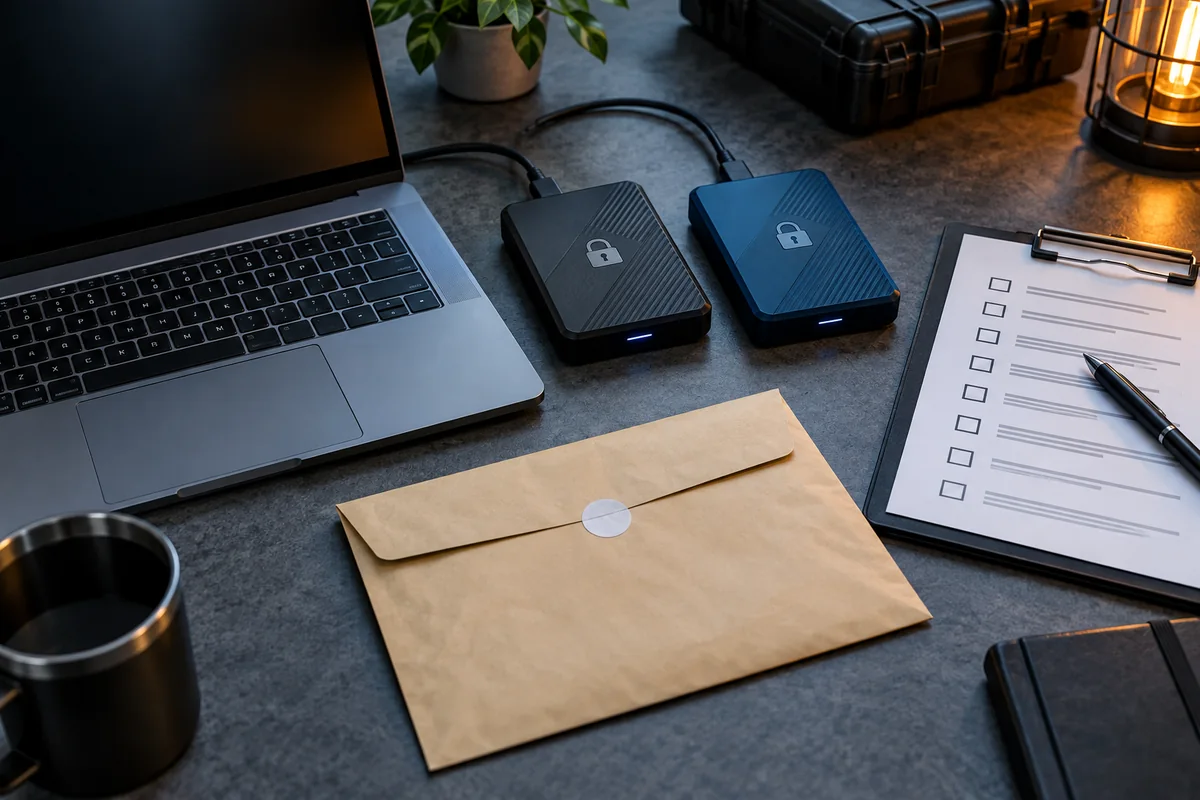
Verify the authorized workflow
Have the authorized verification reviewer and the case supervisor confirm they can find an authorized item, add an approved new version and lock or close the collection without exposing a decrypted desktop copy. Backups must be secured independently of the local locker.
Working-state example: ID images is edited in a limited-access workspace, checked for unintended copies, then entered into the approved encrypted archive as a named revision.
Practical implementation checklist
- Identify the accountable approver for customer identity verification bundles and write down the exact event being protected.
- Choose a non-sensitive sample drawn from the same format as proof-of-address documents; never use a real identity, key or patient record in a public example.
- Compare the unprotected working copy, restricted recipient copy and intended retained copy. Confirm where extra versions are created.
- Record the approved destination, any failed test, and a date for reassessing the workflow when personnel or software changes.
Questions readers should resolve
Is hiding a folder equivalent to encrypting it?
No. Concealment and encryption are different protections; check which feature was actually used. For customer verification packets, this means checking ID image attachments, handling case reference keys separately, and using a synthetic identity packet as the review example. Maintain a small example that is easy for the owner to lock, reopen, close and recover without credentials from a real user.
Who should approve this customer identity verification bundles workflow?
Assign a named owner. In this context, start with the authorized verification reviewer and the case supervisor and confirm the applicable organizational authority.
Research and documentation
These sources support the technical boundaries described here. They are not substitutes for testing the current software on the target device, checking legal requirements, or independently confirming product claims.
Editorial note: No paid link placement is required for this guide. Product information, if mentioned, describes one possible tool and should not be read as an endorsement or an assertion of universal compatibility.